Training

We implement training tailored to our customers, and infomercials based on customer needs. Alongside training, we also create instructional videos and documents to fit the customer’s environment. We tailor our training entirely based on the customer’s situation and requirements, and arrange training from traditional training days to online training and demonstrations.

SharePoint training

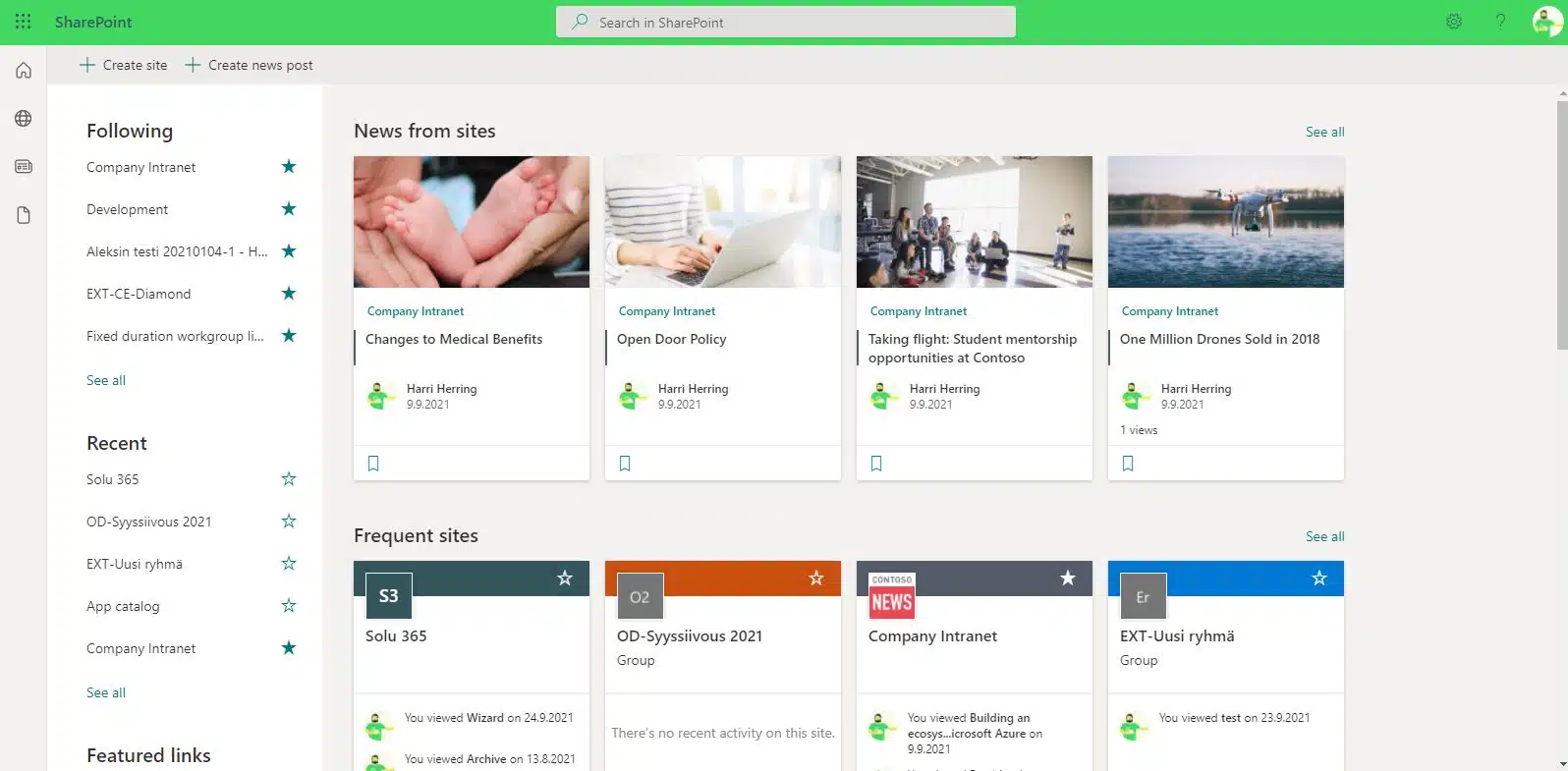
Our SharePoint training helps all personnel take advantage of SharePoint’s versatile features to easily process, share, and store information.

Microsoft SharePoint is a versatile platform for sharing and managing information. In addition, it is a commonly used template for designing an intranet, among other things. SharePoint plays a critical role in many organizations, but you may not be able to use it well enough to make the most of it.

Implementing the use of SharePoint among the personnel of an organization can be challenging. It is also particularly important that the entire organization has the same rules for the use of O365, that is, procedures for using SharePoint, to work efficiently, transparently, and securely.

Tailored SharePoint training to the needs of your organization

SharePoint training is beneficial for all personnel because it makes it easier to process, share and store information and everyone knows to operate in the same way.

 In the training, you will learn, for example, to store and sort information and to use version control and different views. In addition, you also get Teams training from us.

Our training is hands-on and people-oriented so that every member of the organization, regardless of role, can effectively learn to be a master user of SharePoint. Together, we will tailor training to completely suit your needs.

Our Microsoft-certified trainers provide training in face-to-face and remote training sessions. In our training, we consider the COVID-19 recommendations and regulations in force at the time.

In our hands-on training, every member of your organization learns to use SharePoint and Office 365 tools effectively in their own work. This saves users time and allows them to focus on what is essential in their work tasks.

The structure and content of the training sessions will be planned and implemented as you wish, such as:

SharePoint training topics

Our training can include, for example, the following topics, and they can be combined to suit your needs:

Sharepoint training

Teams and SharePoint, separate and together

OneDrive for Business

Correct use of PowerPoint

Compilation of tips for Excel

Our customers' experiences

Read more articles by our experts

A single project platform brings visibility to project work

The biggest challenge in project work is not the number of tools – it is fragmented information. A single project platform provides visibility, supports better

How to lead change in everyday work – 5 tips for successful change

Change rarely fails because of strategy. More often, it fails in the way it is implemented in everyday work. Success depends on how well people understand, experience and adopt new ways of working as part of their daily routines.

AI and voice control in field work

Voice control and AI bring reporting into field work. Data is captured during the job, improving visibility, decision-making, and workflow efficiency without separate data entry.

Leading developer of digital teamwork