

- / Solutions
- / Microsoft Copilot
Most powerful knowledge management solutions
Microsoft Copilot
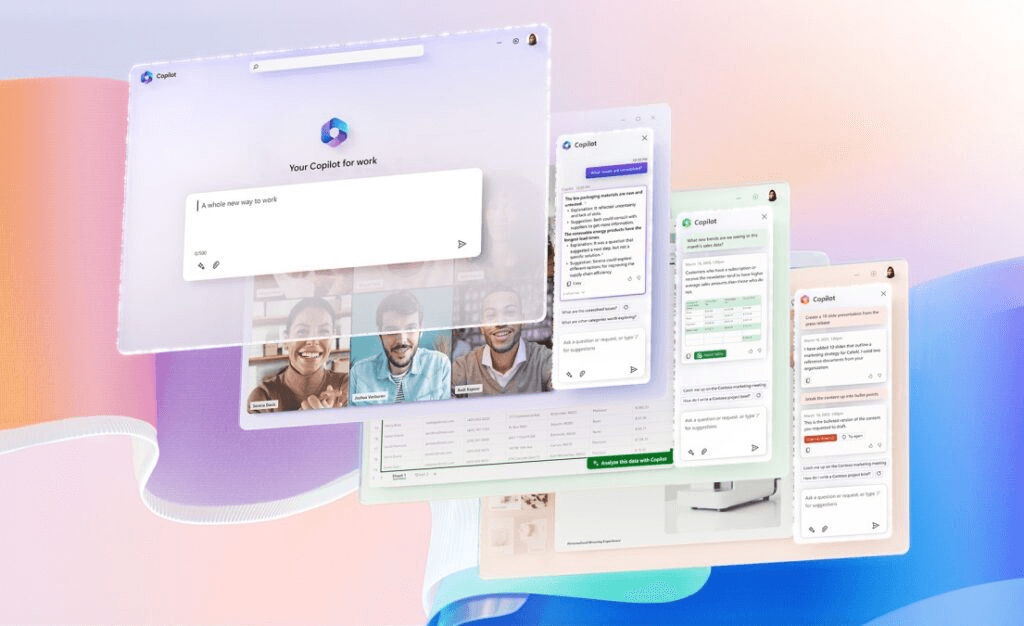
Copilot, an artificial intelligence assistant developed by Microsoft, enhances your work with Microsoft products by proposing and automating solutions for various tasks
Microsoft’s Copilot is an artificial intelligence assistant integrated into Microsoft products. It helps users complete tasks faster and more creatively, makes suggestions and automates routine tasks. Microsoft’s goal with Copilot is to make working smarter and smoother.
Various AI assistants include, for example, Copilot for Microsoft 365, which integrates with Microsoft 365 applications, and Dynamics 365 Copilot, which helps with customer management and business analytics. There are already over a hundred different Copilots, and their number is growing at a fast pace.
The AI assistant is already or is about to be widely used in Microsoft applications, thus enhancing the work of information workers, customer service and sales professionals, data analysts, information security experts, and IT solution developers.
If your organization needs a comprehensive framework for utilizing AI and Copilot, also check out: AI to support decision-making and business development and AI in Business Development workshop series
Boost your business performance and competitiveness with smart AI tools:
- Boost employee productivity by leveraging intelligent suggestions and automation provided by artificial intelligence
- Speed up decision-making by analyzing large amounts of data quickly and accurately
- Improve document quality and consistency
- Reduce the possibility of human error by automating complex tasks
- Save time and resources and improve employee satisfaction by reducing the number of repetitive manual tasks
- Increase the flexibility of your organization by integrating Copilot with many different tools and processes
- Increase innovation and creativity by freeing up time for strategic thinking and development
Microsoft’s Copilots
More than a hundred different versions of Copilots are already in use, enhancing the use of different Microsoft programs according to the employee’s role and tasks:
- For knowledge workers:
- Microsoft Copilot:
- Copilot for Microsoft 365
- Copilot for Dynamics 365 Project Operations
- Copilot for Dynamics 365 Finance
- Copilot for Dynamics 365 Supply Chain
- Copilot in Microsoft Viva
- Copilot in Dynamics 365 Business Central
- For customer service work:
- Microsoft Copilot for Service
- Copilot in Dynamics 365 Customer Service
- Copilot in Dynamics 365 Field Service
- Copilot in Dynamics 365 Customer Insights
- For developers of IT solutions:
- Microsoft Copilot for Azure
- Copilot in Power Apps
- Copilot in Power Automate
- Copilot in Power Pages
- GitHub Copilot
- Microsoft Copilot Studio
- Azure AI Studio
- For sales work:
- Microsoft Copilot for Sales
- Copilot in Dynamics 365 Sales
- For data analysis and reporting:
- Copilot in Microsoft Fabric
- Copilot in Power BI
- For information security:
- Microsoft Copilot for Security
Microsoft Copilot
Microsoft Copilot is the so-called free basic version of the product intended for use by private individuals.
With Microsoft Copilot, you can search for answers to questions, create different text content, get ideas, and help plan work.
The AI assistant can also help you create, test, and debug code faster in different programming languages, while it helps you check and fix errors in code, optimize code performance and quality, and document code clearly and comprehensibly.
Microsoft 365 Copilot
Microsoft 365 Copilot is a virtual artificial intelligence assistant integrated into Microsoft 365 applications that helps you create different types of content easily and quickly. It is part of a Microsoft 365 subscription that you can start using right away.
The AI bot uses artificial intelligence and machine learning to analyze the data and files you use and suggest suitable content, designs, images, and other elements. The application constantly learns from you and other users and thus improves its own performance and accuracy.
The AI assistant is available in several languages, such as Finnish, English, Swedish, German, French, Spanish, and Italian.
Copilot in Teams
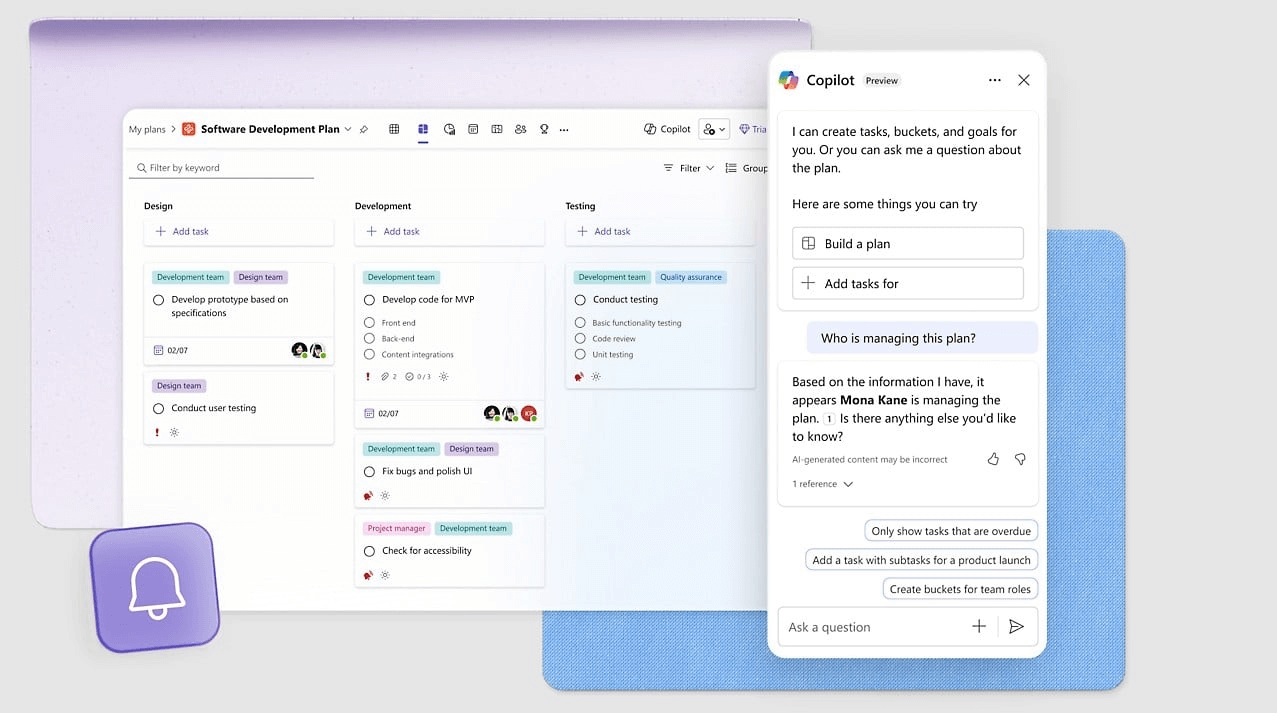
In Teams, Copilot can remind you of upcoming meetings and events in Teams and manage them. It can also join the meeting, take notes, and send you a summary.
Copilot can answer your questions, give you tips and suggestions, and perform actions in Teams for you, such as sending files to meeting participants. In addition, it can utilize AI features such as translation, speech synthesis, and natural language understanding to help you communicate in different languages.

Copilot in Outlook
In the Outlook application, Copilot helps you format your emails clearly and professionally for different situations to deliver your messages to the recipients effectively. Artificial intelligence also enables you to categorize and prioritize your emails, reminding you of unanswered or important messages.
In addition, Copilot helps you manage your calendar and communications by tracking emails related to calendar events and keeping you informed of changes or cancellations.

Copilot in Word
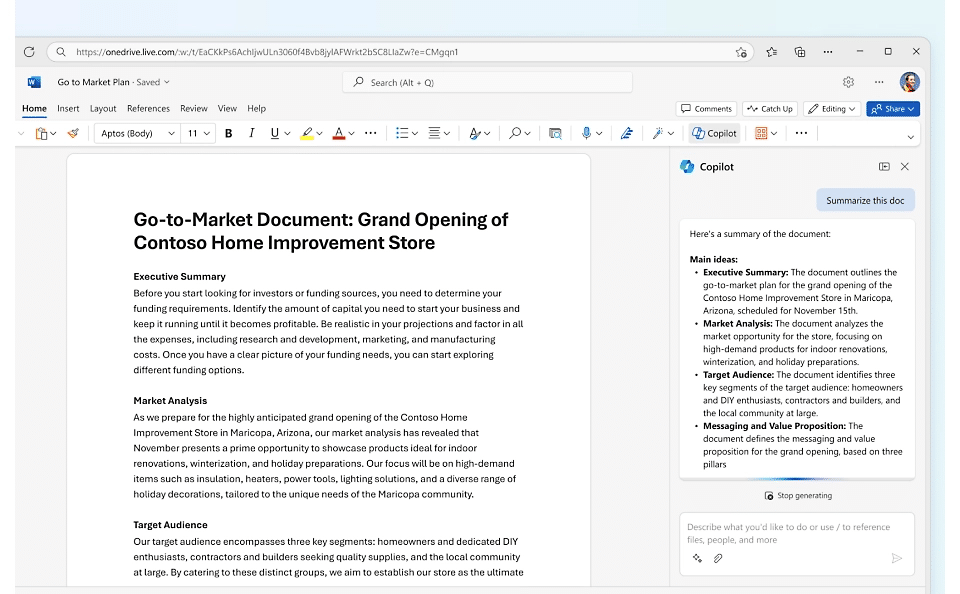
In Word, Copilot gives you suggestions, feedback, and corrections as you write. When you choose the type of writing, the goal, and the target audience, Copilot suggests suitable beginnings, endings, and titles, among other things, and checks the grammar and spelling of your writing.
Copilot saves time and effort and improves your writing skills as you learn from its suggestions and feedback. In addition, the quality of your writing improves when the application ensures that your text is clear, understandable, interesting, error-free, and appropriate.
Copilot in Excel
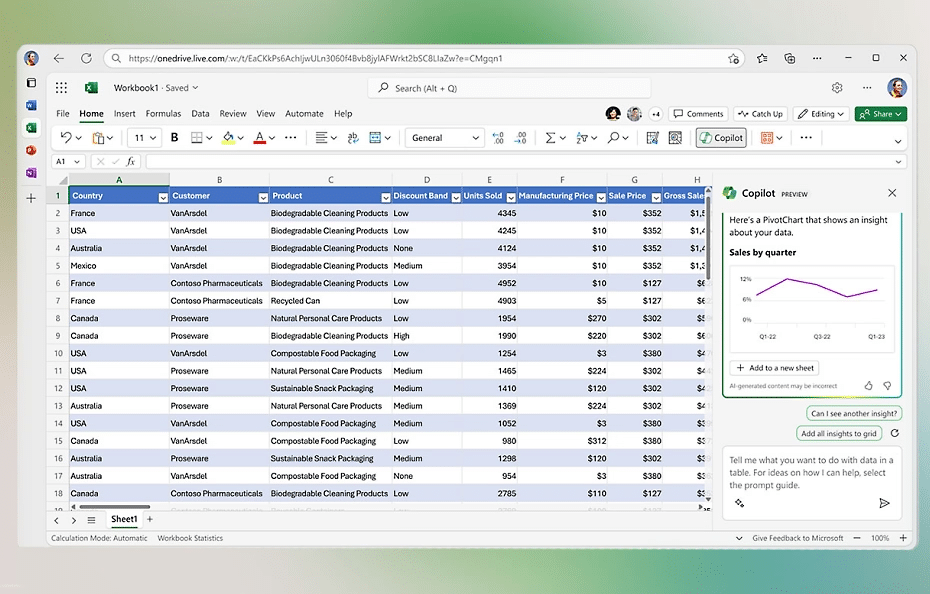
In Excel, Copilot can help you take advantage of its many features, such as creating calculation formulas and functions, Pivot tables and charts, formatting and arranging tables and cells, and adding charts, images, and smart data types.
With Copilot, you can efficiently filter, sort, group, analyze, and summarize data to save time.
Copilot in PowerPoint
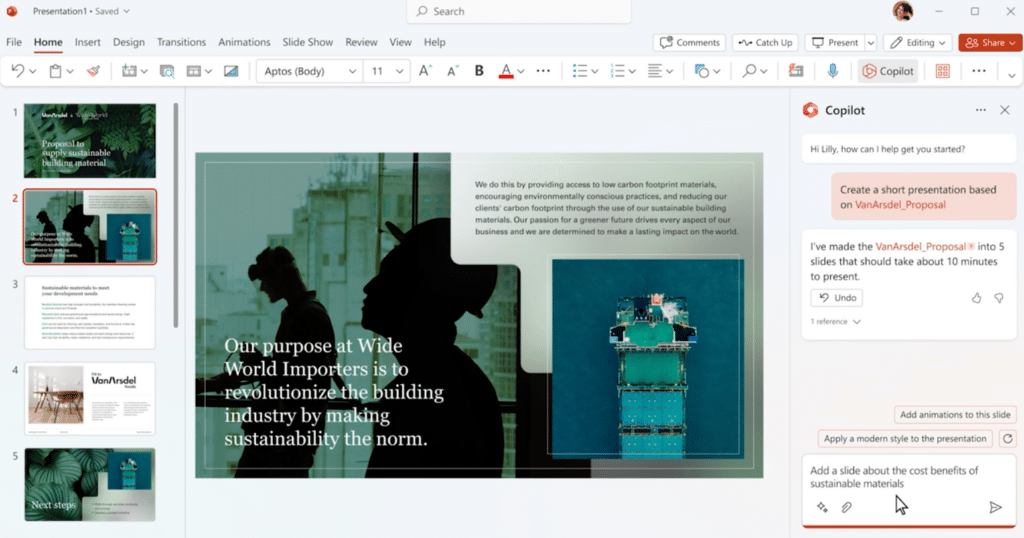
Copilot can automatically generate visually impressive and content-rich slides in PowerPoint based on your script. You can also edit your slides with Copilot using its intelligent suggestions for graphics, colors, fonts, animations, and transitions.
The AI assistant is also able to analyze and improve the quality and expression of your speech during the slide show.
Microsoft Copilot
Copilot can automatically generate visually impressive and content-rich slides in PowerPoint based on your script. You can also edit your slides with Copilot using its intelligent suggestions for graphics, colors, fonts, animations, and transitions.
The AI assistant is also able to analyze and improve the quality and expression of your speech during the slide show.
Deploy Copilot smoothly to meet your needs
We help your organization to implement the deployment of Copilot and the utilization of artificial intelligence that meets the needs of your organization according to the various stages:
- Preparation for deployment
- In the workshop, we go through the architecture, the use of different Copilots, plugins, confidentiality policies, and licensesReviewing Microsoft Copilot deployment controls
- After the workshop, we will deliver the action proposals
- Information security and data protection
- In the workshop, we go through risk assessment and analysis of shared content
- After the workshop, we deliver the action proposals, and based on those, we plan the use cases for pilot group orientation
- Orientation of pilot users, feedback process, and usage support
Solu Digital’s experts support you to ensure that the implementation of the solution happens smoothly and easily.
Read how AI supports innovation, decision-making and process development: AI to support decision-making and business development
Learn about practical workshops to kick-start your organization’s AI journey: AI in Business Development workshop series
Our customers' experiences
Juha Nevalainen
Scania Suomi • Sales Director, Scania Services

4.0
Esa-Ville Vanhatupa
IT services of the city of Turku • Project manager

5.0
Juha Sarsama
Panostaja • CEO
Kristian Hartikainen
Business Finland • Senior Advisor

5.0
Mikko Tätilä
Forendo Pharma • Information Technology Manager
Seppo Perkiö
HSL - Helsinki Region Transport • IT Manager
Peter Krause
Transmeri • Development Director, ICT & Digital Services
Tarja Ihalainen
Teknologiateollisuus ry • Jäsenpalvelupäällikkö
Inessa Taneli
Sako Oy • Project manager
Lauri Eskola
SSAB • Application Manager
Inessa Taneli
Sako Oy • Project manager
Jere Penttinen
Boliden Kokkola • Investment manager
Lasse Palminen
Keskisuomalainen • IT director
Marko Salmi
Boliden Kokkola • Digitalization manager
Check out our customer stories
Read more articles by our experts

How to lead change in everyday work – 5 tips for successful change
Change rarely fails because of strategy. More often, it fails in the way it is implemented in everyday work. Success depends on how well people understand, experience and adopt new ways of working as part of their daily routines.

AI and voice control in field work
Voice control and AI bring reporting into field work. Data is captured during the job, improving visibility, decision-making, and workflow efficiency without separate data entry.
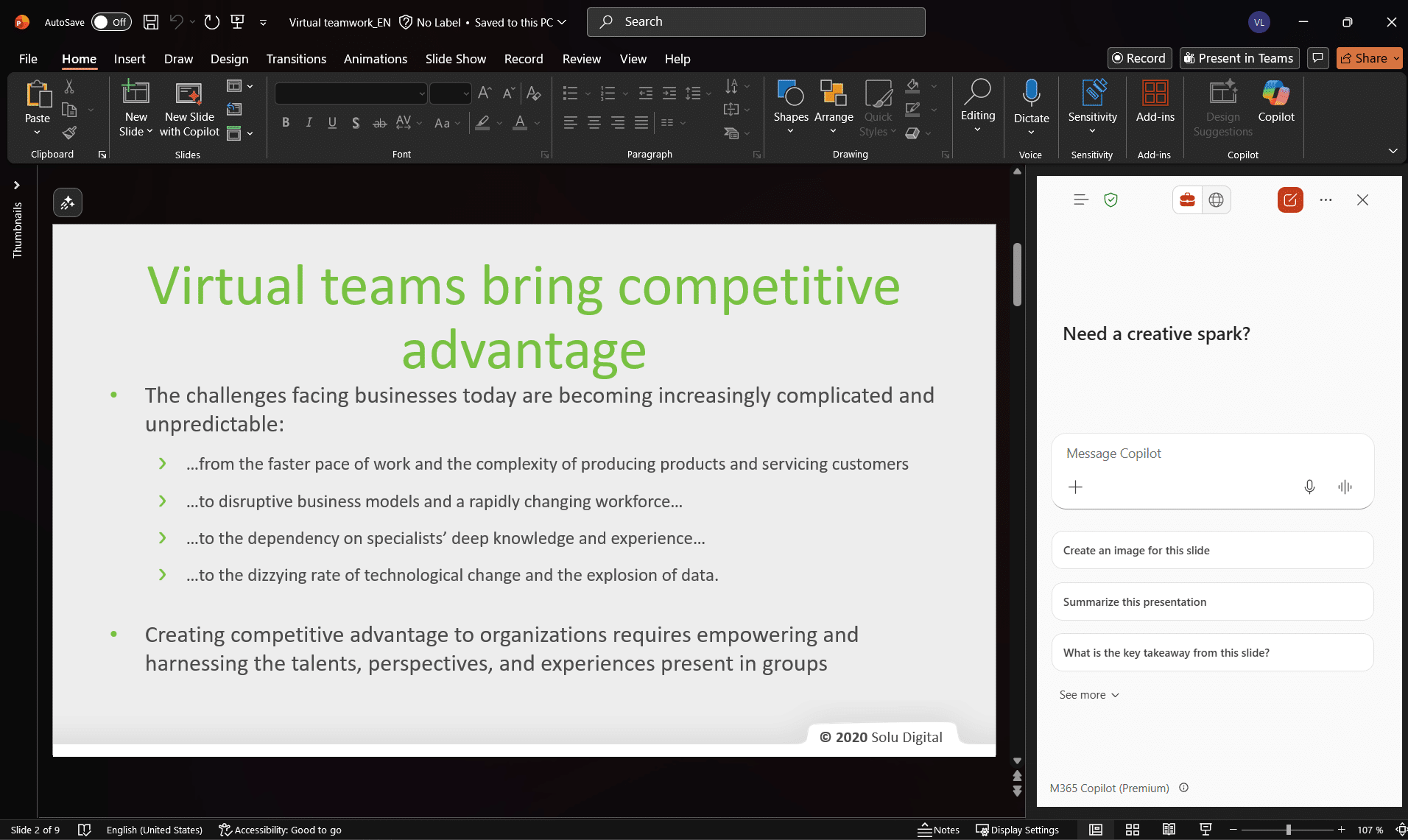
Copilot in PowerPoint – 5 tips for more effective AI-powered presentations
Microsoft 365 Copilot in PowerPoint speeds up presentation creation and helps you develop content step-by-step. Take advantage of five practical tips for improving structure, slides, and messaging.