











/ Solutions / Solu 365 – a controlled way to start and manage work in Microsoft 365 / Solu 365 for managing orders, production and deliveries in industry
Most powerful knowledge management solutions
Solu Digital provides knowledge management and analysis models for today’s complex businesses.
Solu 365 for managing orders, production and deliveries in industry
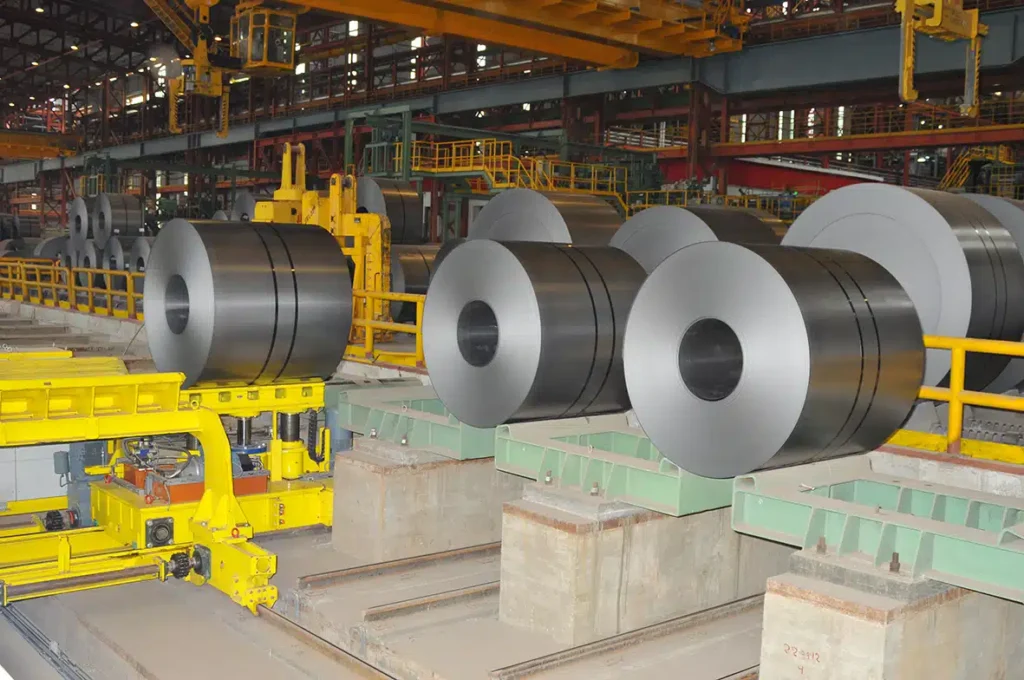
In manufacturing, both deliveries and production often follow structured, multi-phase processes. Customer-specific products, production batches and contractual deliveries progress from design to manufacturing, testing and final delivery.
Across these processes, information flows between multiple teams. Sales manages orders, engineering produces technical documentation, production is responsible for manufacturing, and operational teams oversee progress.
Each delivery and production process generates a large volume of information, including engineering documentation, production data, test reports, and customer-facing materials.
When information is scattered across systems and workspaces, managing the overall picture becomes challenging. Solu 365 brings together workspaces, documentation, and collaboration for deliveries and production in Microsoft 365, supporting end-to-end management across the entire lifecycle.
Typical starting point in deliveries and production
In industrial environments, new deliveries or production work often begin quickly after an order or contract is confirmed. A workspace is set up where collaboration related to the delivery or production begins.
In many organizations, workspaces are created manually, which leads to structures, permissions and document practices being defined case by case.
Over time, this results in situations where:
- workspace structures differ between teams
- engineering and production documentation is stored in multiple locations
- information related to a single delivery is spread across folders
- document versions and approval statuses are unclear
- access for external partners varies between deliveries
Despite this, the underlying needs are largely similar. Teams typically require:
- delivery- or production-specific workspaces
- role-based access control
- version management for technical documentation
- a central location for production-related materials
- integrations with ERP systems
Without a shared operating model, each delivery or production effort starts differently. Gaining a clear overview becomes more difficult, and managing deliveries and production slows down.
Solu 365 for initiating orders, production and deliveries
Solu 365 automates the initiation of orders, production and deliveries in Microsoft 365.
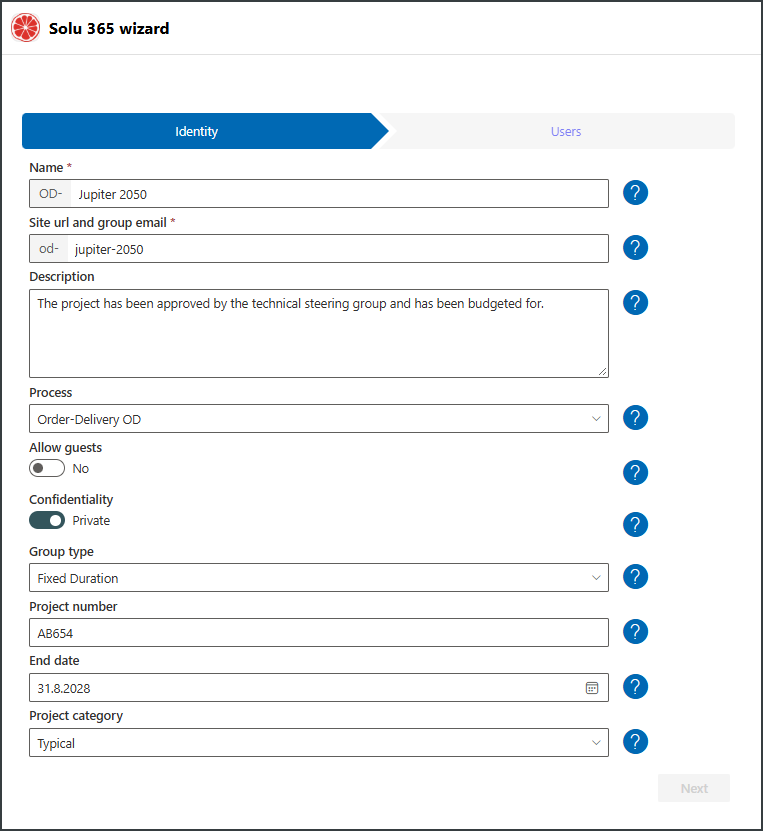
When a new delivery or production entity is created using a Solu 365 form, the solution automatically generates the correct workspace structure.
Solu 365 can create, for example:
- a delivery- or production-specific Teams workspace
- folder structures aligned with delivery or production phases
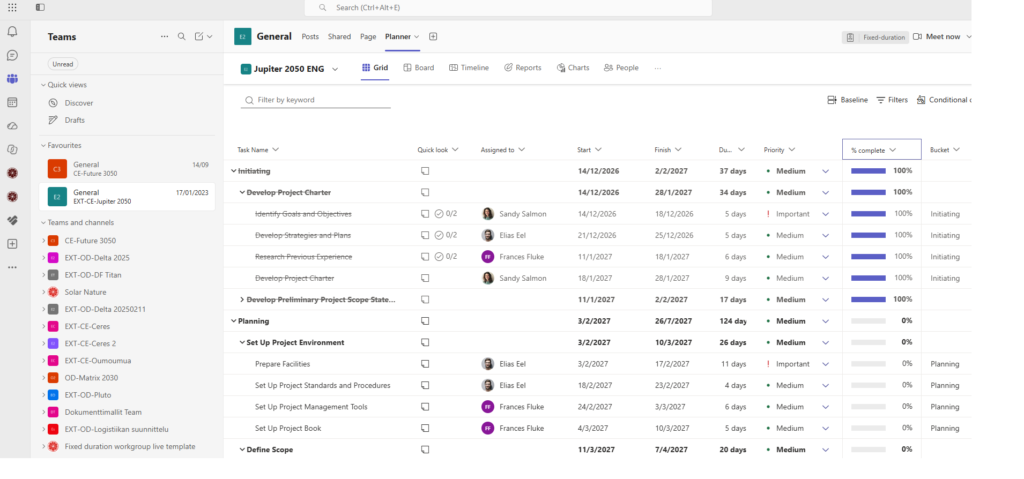
- Planner Premium plans with tasks and schedules
- standardized structures for technical documentation
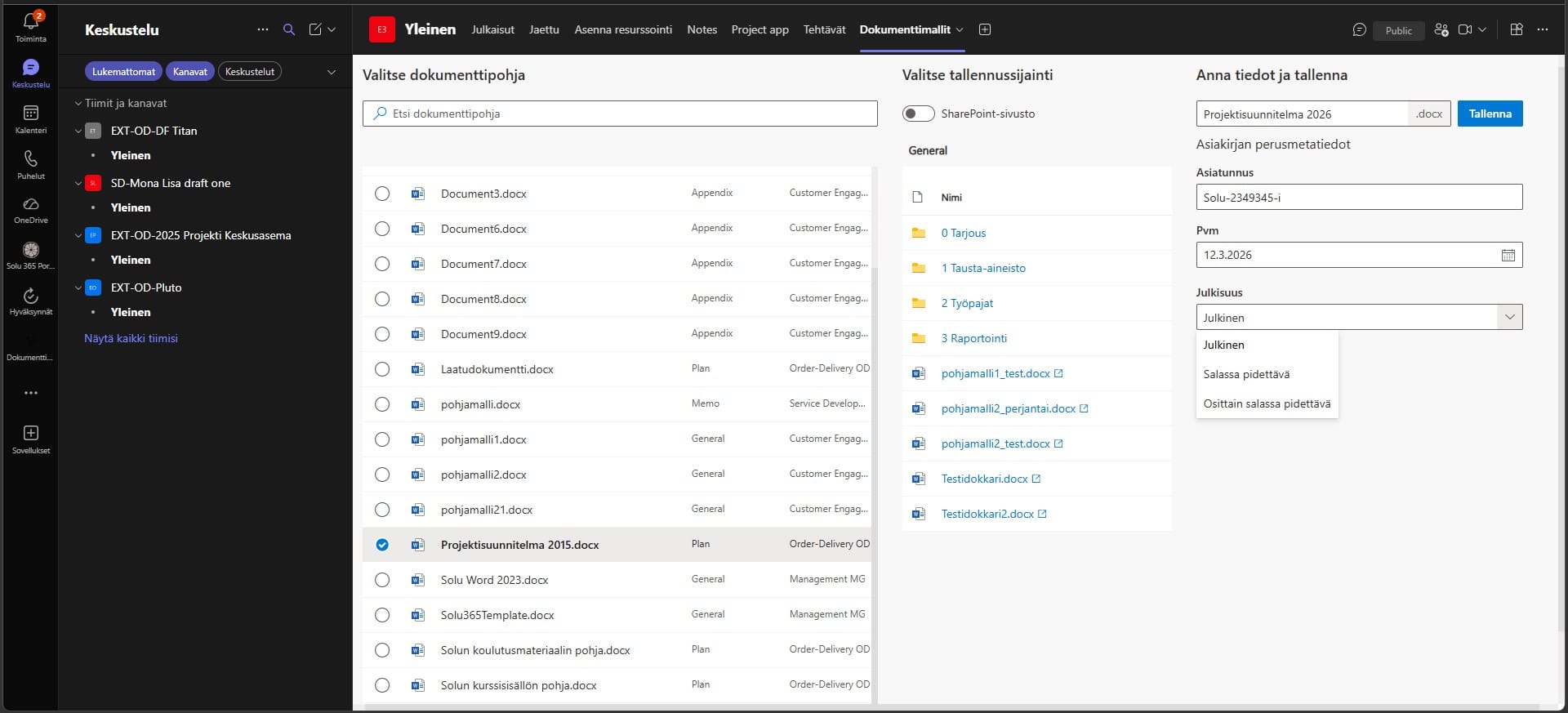
- document templates for reporting and delivery documentation
- role-based access for internal teams and external partners
- metadata for document classification
Core information such as order number, customer, product or delivery scope can be automatically imported from ERP systems.
The solution ensures that deliveries and production processes are launched with consistent structures and in line with the organization’s defined operating models.
How Solu 365 streamlines industrial work
Solu 365 standardizes how deliveries and production are initiated and structured across the organization.
When all deliveries and production follow the same model, documentation and collaboration remain consistent regardless of the team or delivery scope.
Production and account managers no longer need to build workspaces from scratch. Instead, workspaces are created automatically with the correct structure, and all related materials are available in one place.
Management gains real-time visibility into ongoing deliveries, production processes, and their different stages.
Solu 365 helps organizations to:
- accelerate the initiation of deliveries and production
- standardize the management of technical documentation
- improve the findability of engineering and production materials
The solution also supports secure collaboration with customers, suppliers and other external partners.
Key benefits of Solu 365 in industrial environments
Solu 365 introduces a controlled and scalable operating model for deliveries and production.
With the solution, organizations can:
- launch work with a consistent structure
- improve technical documentation management
- align engineering and production collaboration
- make information easier to find across lifecycle phases
- strengthen collaboration with partners
- enable better reporting and decision-making
- improves visibility into ongoing deliveries and production processes
A unified structure also supports analytics, as information becomes comparable across different deliveries and production.
Typical use cases in manufacturing
Solu 365 is particularly useful for organizations looking to standardize how deliveries and documentation are managed.
Typical use cases include:
- deliveries of customer-specific products
- management of contractual deliveries
- documentation for production batches and manufacturing
- collaboration between engineering and production
- management of delivery documentation and handover materials
The solution can also be part of a broader ecosystem where workspaces integrate with ERP systems and production data.
How Solu 365 initiates deliveries and production
Solu 365 automates the initiation process as follows:
- a new order, delivery or production is created using a Solu 365 form
- the solution automatically creates a Teams workspace
- folder and channel structures are generated based on lifecycle phases
- teams and partners are invited to the workspace
- documentation is stored in a consistent structure
- progress can be tracked through reporting views
A delivery or production lifecycle may include stages such as:
Quotation → Design → Manufacturing → Testing → Delivery → Documentation
Standardized ways of working reduce errors and improve efficiency across deliveries and production.
References
Solu Digital has extensive experience in developing delivery, production and documentation management in industrial environments using Microsoft 365.
Solutions have been implemented for organizations such as:
These initiatives have focused on improving information accessibility, increasing transparency and standardizing ways of working on projects.
You can read more about developing management and collaboration in Microsoft 365 in our blog:
→ Automate project management with the Solu 365® tool
Explore the other features, deployment options, and pricing of Solu 365:
→ Explore Solu 365
Book a demo and see how Solu 365 works in industrial environments
Would you like to see how Solu 365 supports industrial orders, production and deliveries in practice?
Our customers' experiences
Juha Nevalainen
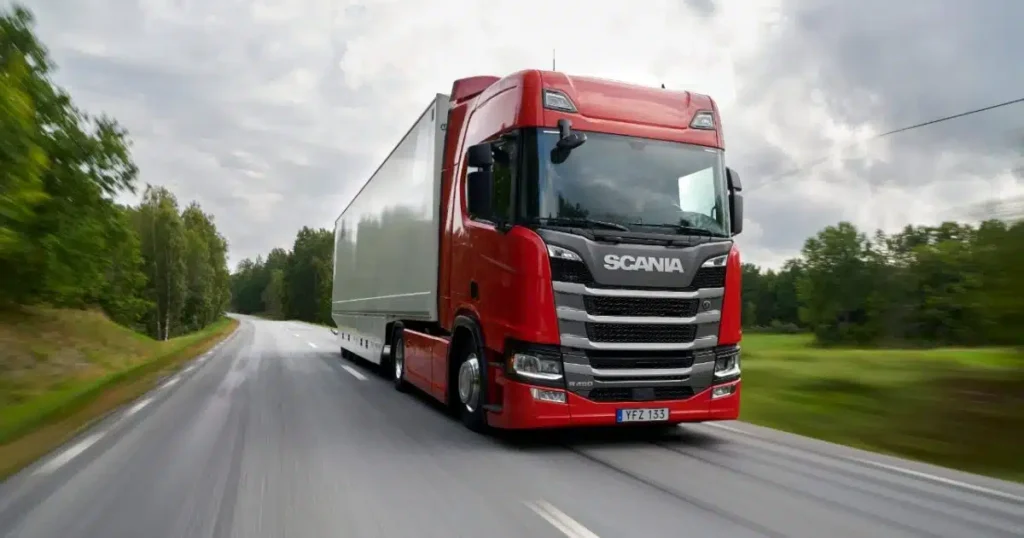
Scania Suomi • Sales Director, Scania Services

4.0
Esa-Ville Vanhatupa
IT services of the city of Turku • Project manager

5.0
Juha Sarsama
Panostaja • CEO
Kristian Hartikainen
Business Finland • Senior Advisor

5.0
Mikko Tätilä
Forendo Pharma • Information Technology Manager
Seppo Perkiö
HSL - Helsinki Region Transport • IT Manager
Peter Krause
Transmeri • Development Director, ICT & Digital Services
Tarja Ihalainen
Teknologiateollisuus ry • Jäsenpalvelupäällikkö
Inessa Taneli
Sako Oy • Project manager
Lauri Eskola
SSAB • Application Manager
Inessa Taneli
Sako Oy • Project manager
Jere Penttinen
Boliden Kokkola • Investment manager
Lasse Palminen
Keskisuomalainen • IT director
Marko Salmi
Boliden Kokkola • Digitalization manager
Read more articles by our experts

Solu 365 Templates brings centralized management of document templates to the Microsoft 365 environment
Solu 365 Templates consolidates an organization’s document templates into a single, centralized service within the Microsoft 365 environment. The solution supports the consideration of document standards, metadata, and accessibility requirements, as well as centralized maintenance at the template level.
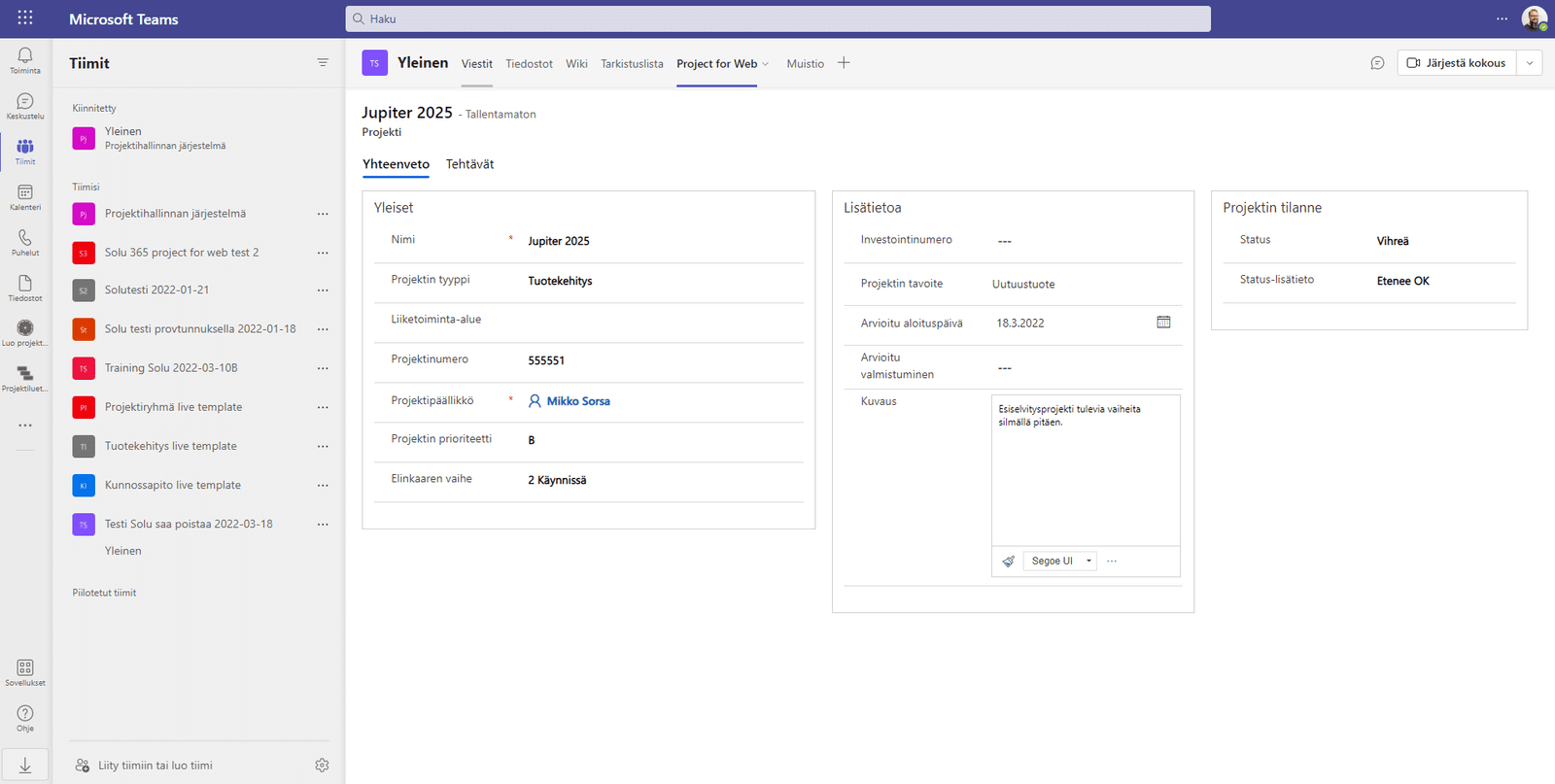
Automate project management with the Solu 365® tool
The Solu 365 automation tool guarantees consistent management of projects and project resources in your organization in a transparent and secure manner.
Teams management with Solu 365® workgroup automation
Increase the manageability and transparency of Microsoft Teams with Solu 365®. Workgroup automation simplifies the group creation process and improves security.


