
Using Microsoft Teams effectively: 5 Tips for activating participants in meetings
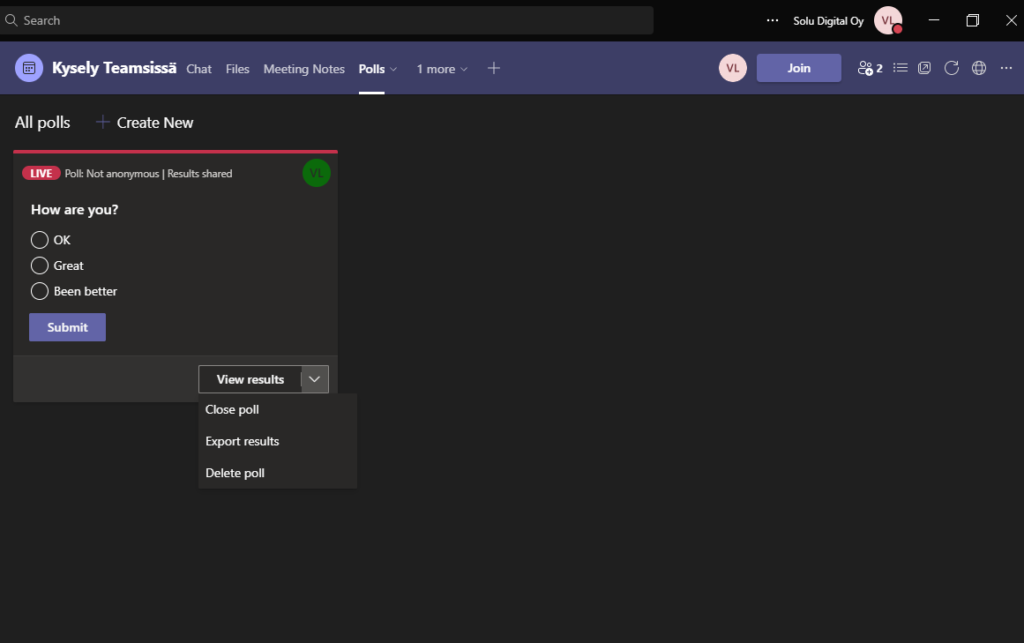
Using Teams effectively in meetings requires meeting organizers, or facilitators, to be systematic in activating meeting participants. Take advantage of Teams meeting activation tips and improve the productivity of Teams meetings.
Microsoft Project for the Web: Project List and Project Form
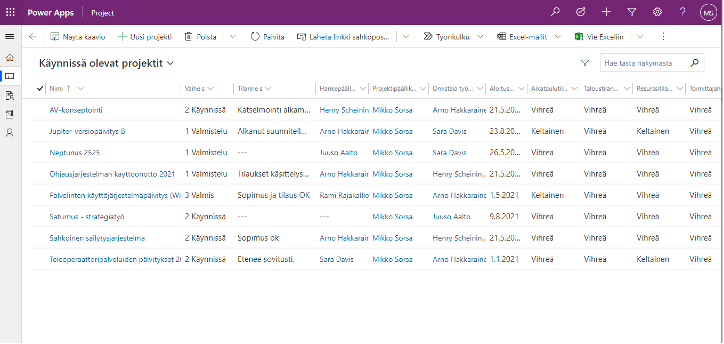
Microsoft Project for the Web and its project list and project form functionalities bring clarity to information management in project operations.
Using Microsoft Teams effectively: 5 Tips for working with meetings
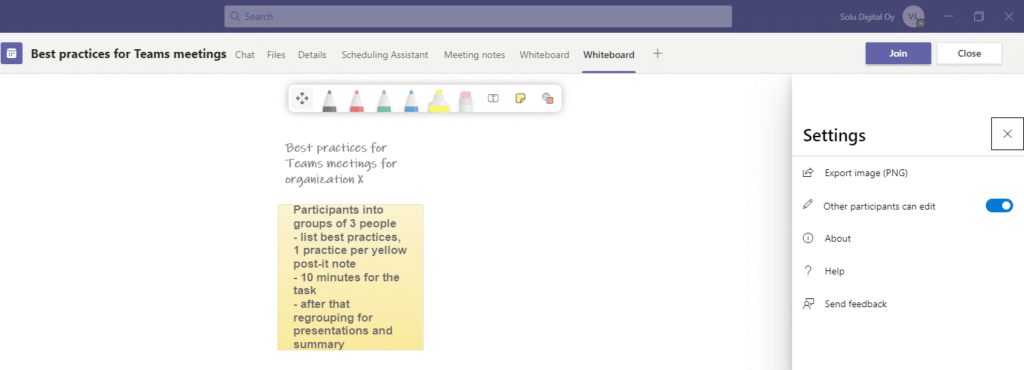
Effective use of Teams in meetings can be achieved through systematic policies and tools. Check out our Teams meeting tips to collaborate more effectively.
Using Microsoft Teams effectively: 5 Tips for Teams settings
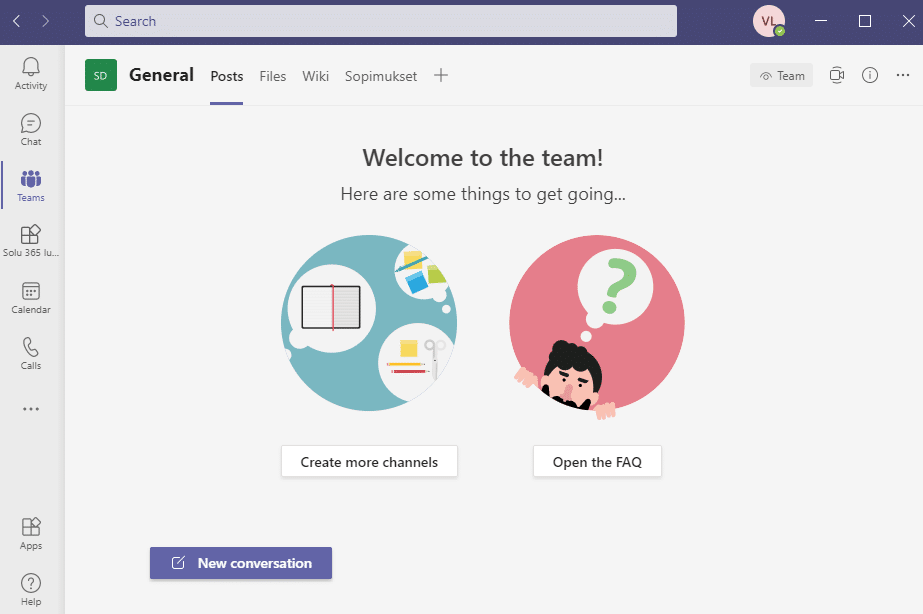
Using Teams effectively requires reviewing and editing various settings as needed. Use the tips to support your own work and collaboration with others.
Microsoft Teams brings customers closer remotely

Microsoft Teams gives you a great place to share files, links, and other assets with a customer to keep the conversation going online.
SharePoint pages as Teams applications empower remote work
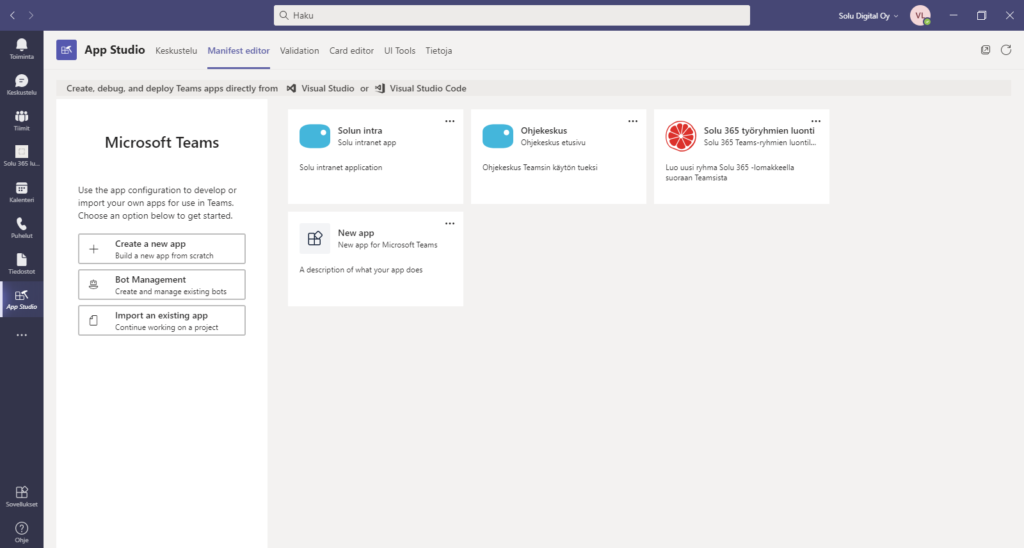
Microsoft Teams does not only concentrate on working with information, documents, tasks, and people into one application, but also streamlining work.
Digital tools and unified practices support the digital leap required for remote and hybrid work

The importance of working digital processes and the tools and practices that support those processes becomes crucial in remote and hybrid working.
Successful deployment of Teams requires unified practices, training, and communication

Successful delivery of a technical solution with different needs for a change in operating methods requires the organization to think about a comprehensive deployment and service strategy.
Teams for power use
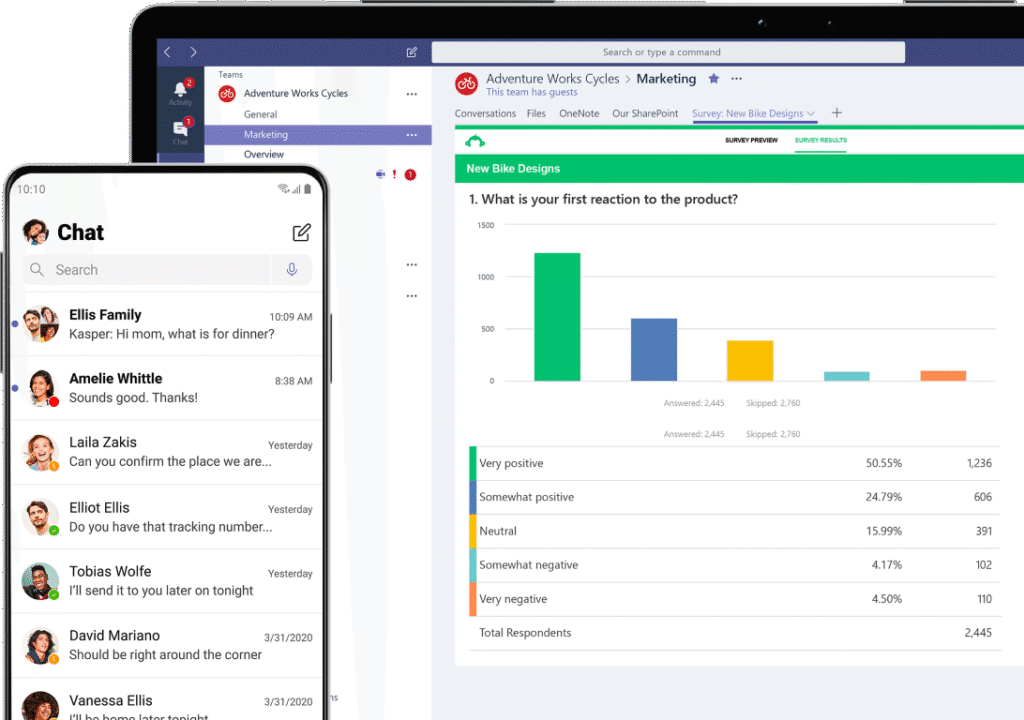
In recent months, many experienced IT users have made comments about how using Teams has been a kind of learning path. Not because the program would be difficult to use, but because learning has basically been about unlearning – the most difficult kind of learning to take over. Perhaps a more typical example about it is how adding a related message or comment was forcibly slipping to the side of the email.
Take control of your Microsoft Teams

Recent months have been a good time in terms of the growing use of the Microsoft Teams video conferencing application as remote work has quickly become the new norm for many employees.